
Departments & Services Links
About Technology
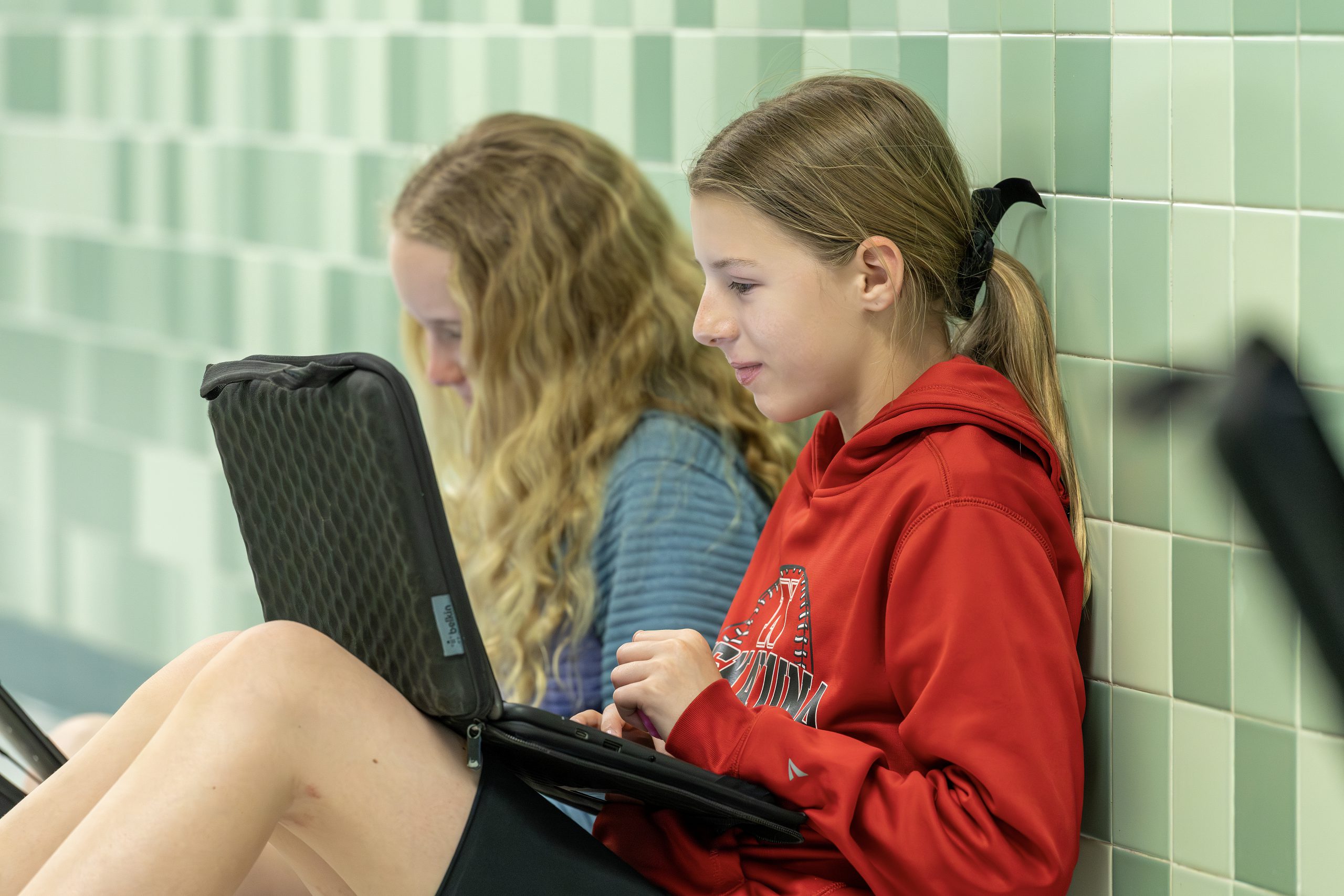
Our goal is to provide a safe and secure technology environment that enables educators and empowers students by:
- Providing a robust platform of tools and skills to ensure all students and staff have equitable access to technology.
- Modeling digital citizenship skills and integrating technology in ways that promote positive and personalized learning for all students, faculty and staff.
- Providing students with the technology skills needed to succeed in tomorrow’s global economy.
- Ensuring their digital safety and security in a connected world.
- Staying focused on the future.
Tech Support
Parent/ Guardian Tech Support
Access parent technology support and resources for families. Find detailed instructions and troubleshooting guides for essential district tools, including:
- Google Services (like Classroom and Drive)
- PowerSchool accounts
- Student Chromebook management
Staff Tech Support – Regular
If you are a staff member experiencing any issue or would like to request something, request regular staff tech support. You will:
- Login with your email credentials
- Input a ticket that will automatically be routed to the appropriate ComputerTA or IT staff to resolve your ticket ASAP.
Staff Tech Support – Emergency
If you are a staff member who:
- Needs something in less than 30 minutes
- Are experiencing an IT security Issue
- Have a classroom tech issue that is impeding instruction
Please do one of the following:
- Contact your Building ComputerTA
- Call the IT office at ext. 21016
Student Data and Privacy
Education Law 2-d Regulation 121 was passed by New York State and implemented by the Department of Education so that school districts are empowered to focus on the protection and handling of student Personal Identifiable Information (PII).
- Review the Student Data and Privacy Policy.
Instructional Technology
As required by Commissioner’s Regulation 100.12, the Niskayuna CSD maintains an Instructional Technology Plan to help support achievement and engagement through the seamless integration of technology into teaching and learning, improve learning experiences for students and increase equitable access to technology-rich learning experiences for students and staff.
- Access the district Instructional Technology Plan.
Smart Schools Bond Act
As required by the Smart Schools Bond Act (SSBA), school districts must post their final Smart Schools Investment Plan online. The plan outlines how the district will participate in the Smart Schools Bond Act of 2014, which authorized $2 billion in state funding for educational technology and infrastructure.
- Access the Smart Schools Investment Plan.
Parent Resources
PowerSchool Parent Portal
Parents or guardians can log in to the PowerSchool Parent Portal to see all of their children’s information in one place. This includes grades, assignments, scores, attendance and schedules.
ParentSquare
ParentSquare is the K-12 communications platform Niskayuna uses as a way for teachers, staff and families to communicate in a centralized location.
- Learn more about ParentSquare on the Communications & Engagement page.
Chromebook Academy
The 1:1 Program is an NCSD initiative to provide students with Chromebooks that they can use both in class and at home. Visit the Chromebook Academy website to find out more about the responsibilities and requirements of the NCSD 1:1 Program as well as information about other student resources.
Student Technology Handbook
Learn about technology policies, procedures, and user responsibilities.
Visit the Technology Handbook and Agreement page.